EngineCheckPredictive telemetry for Rotax® engines
Guide

How to use EngineCheck

From your EFIS log to the engine report in six steps. All you need is the file recorded by your on-board instrument and a few minutes.

Download the log from your instrument

Insert the SD card or USB stick into your EFIS and export the flight logs. Garmin G3X/AXIS writes CSV files to the SD card; Dynon SkyView exports CSV logs to a USB stick; Kanardia and MGL engine monitors export CSV; MGL iEFIS records .REC files on the SD card. Upload the file as it is, without opening or editing it in Excel.

  • Garmin G3X / G3X Touch
  • Garmin AXIS
  • Dynon SkyView / HDX
  • Kanardia Nesis / EMSIS
  • MGL iEFIS (.REC)
  • MGL XTreme-EMS
  • MGL Blaze EMS-2

Upload it and read the Free Preview

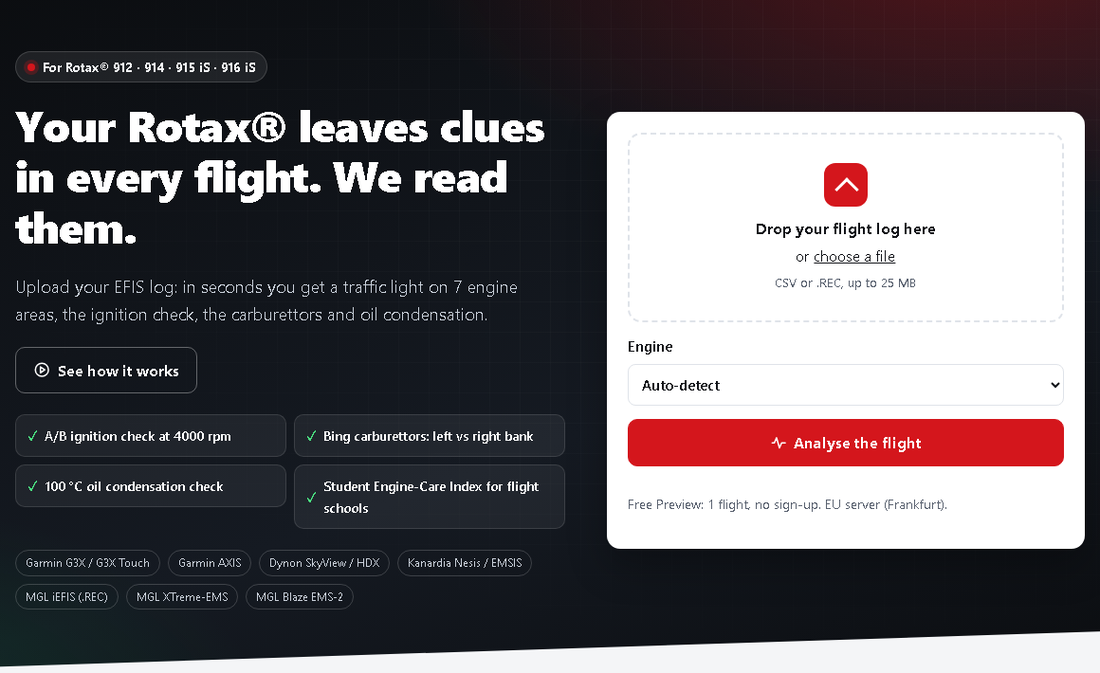
Drop the file on the home page and press "Analyse the flight". The format is detected automatically, the flight is split into 6 phases and every engine session is analysed separately. If you know the engine pick it from the menu, otherwise we detect it.

Upload it and read the Free Preview

Understand the traffic light

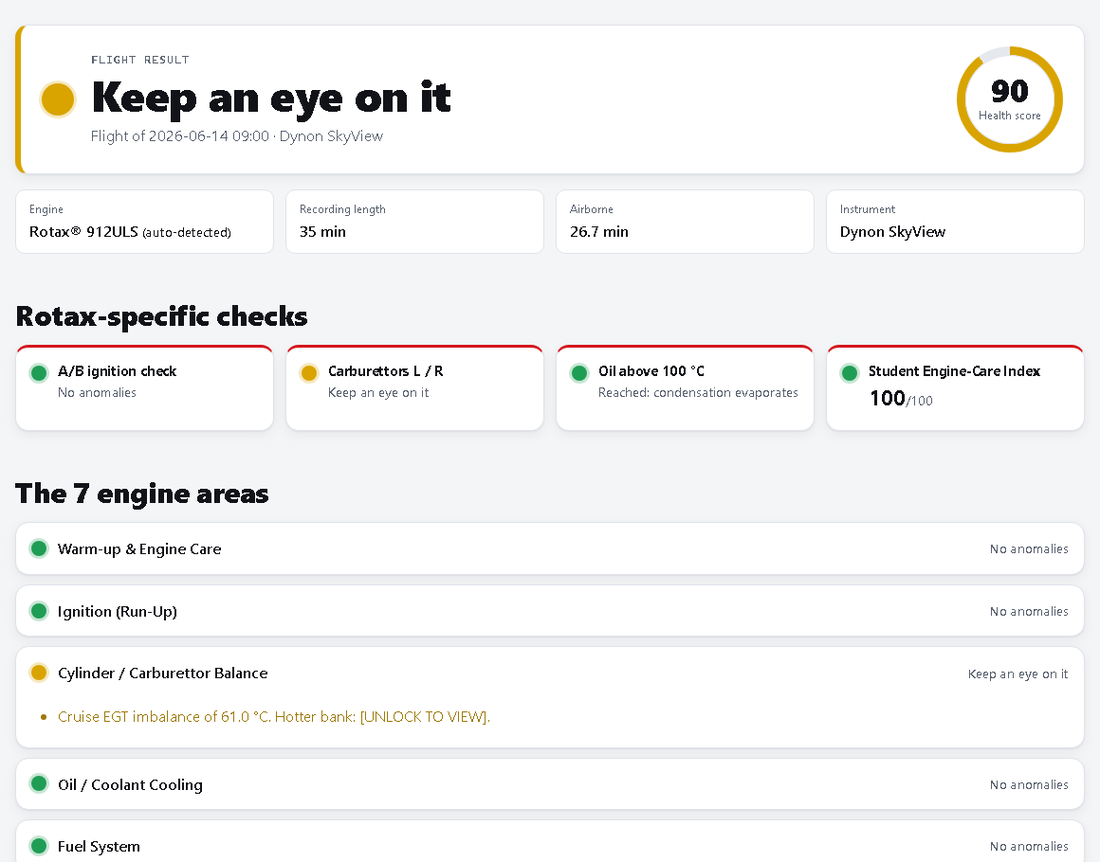
Green: no anomalies. Yellow: a value to watch over the next flights. Red: an anomaly your maintainer should check. Grey: not enough data to judge. The four Rotax tiles sum up the A/B ignition check, left/right carburettors, oil above 100 °C and the Student Engine-Care Index; below them you find the 7 engine areas.

Understand the traffic light

Unlock the full report and the PDF

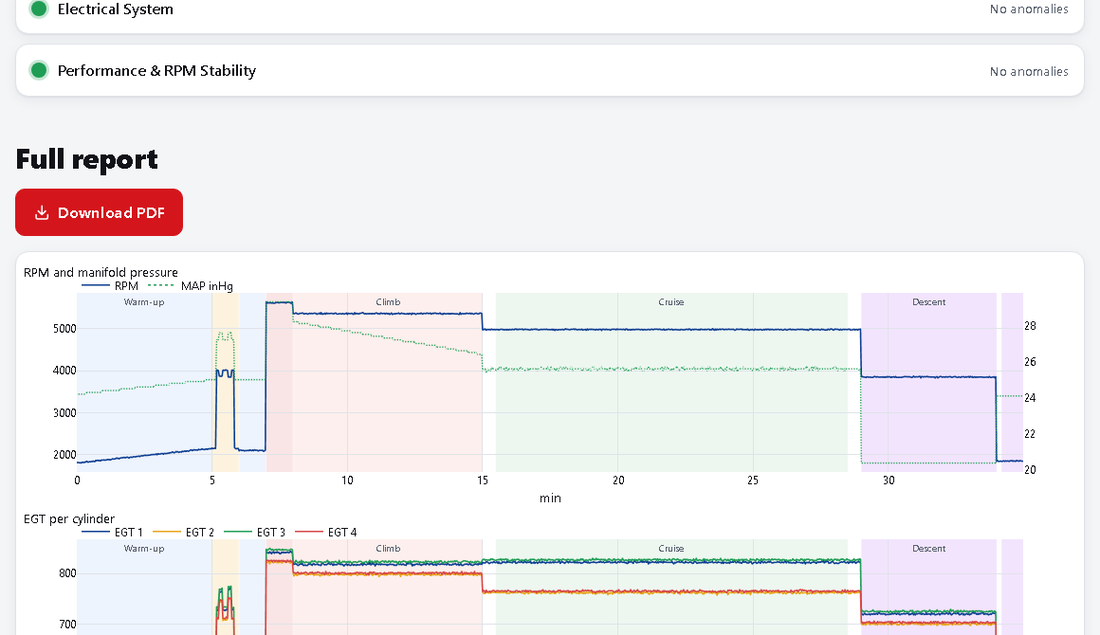
In the Free Preview circuit, cylinder, bank and values are hidden. With the Pre-Purchase Report or the Pilot PRO plan you see every detail and the 4 synchronised charts, and download the PDF with a verification QR code in the language you prefer.

Unlock the full report and the PDF

Build your Hangar

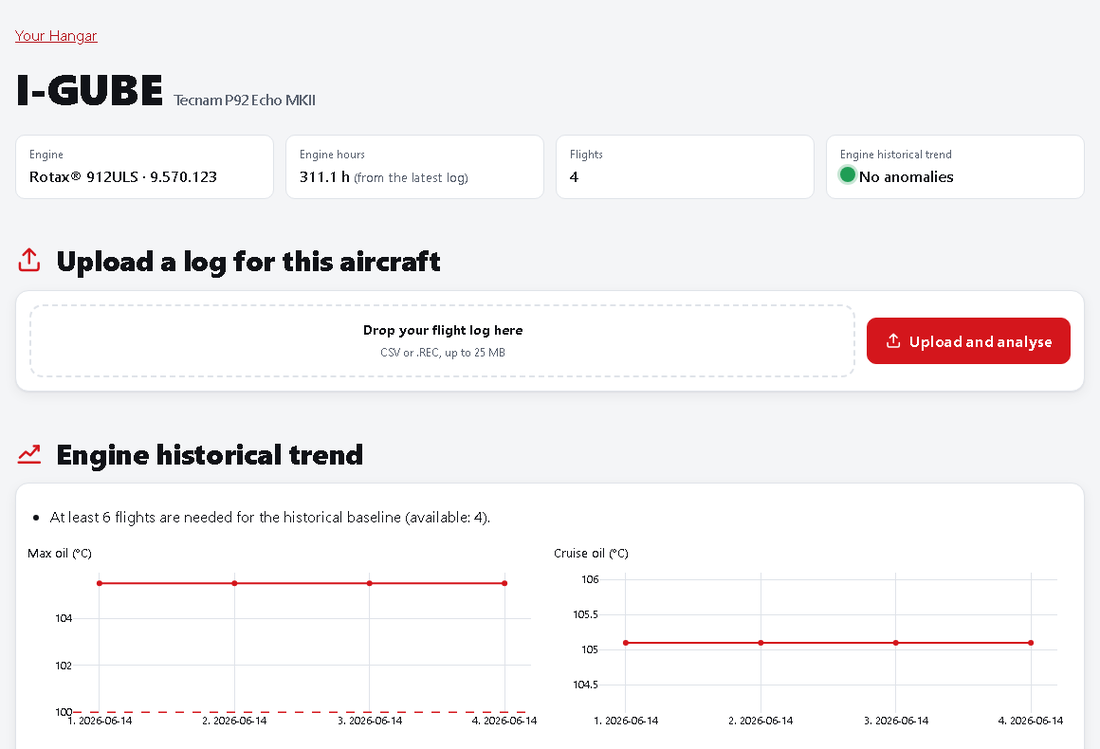
With a free account add your aircraft and upload flights to each of them. From the sixth flight EngineCheck builds the engine baseline and flags drifts (oil pressure and temperature, cooler, carburettors). The schedule tracks 100 h/200 h inspections, rubber parts and TBO. With a dual-rpm-input Dynon you can swap circuits A/B in the aircraft data.

Build your Hangar

Verify a report you received

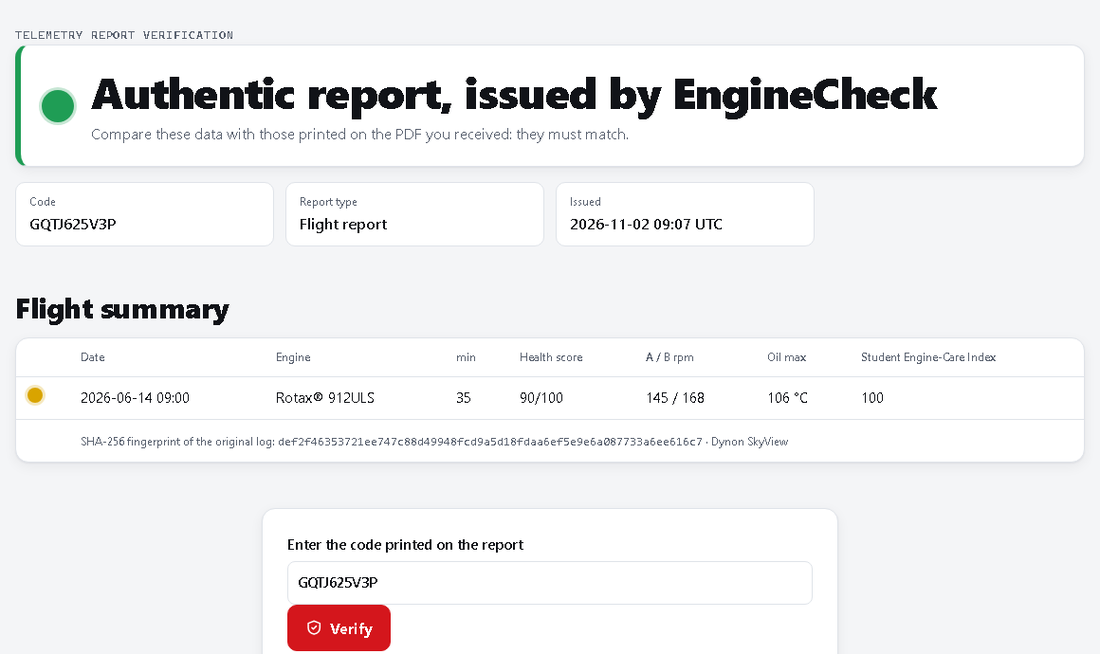
Buying an aircraft? Scan the QR code on the PDF or enter the code on the verification page: you see the data recorded when the report was issued and the fingerprint of the original log. If they differ from the printed ones, the document has been altered.

Verify a report you received

Tips for perfect logs

Try it now with your log

Analyse the flight